A Garmin watch app for tracking sport climbing sessions. Records heart rate, altitude gain, and route details during your climbing session.
Supported watches: Fenix 7X Pro, Fenix 8 43mm, Fenix 8 47mm, Fenix 8 Pro 47mm, Forerunner 965, Forerunner 970
Download op Garmin Connect IQ →
Installation
Install the app via the Garmin Connect IQ Store on your phone or at apps.garmin.com. Search for Sport Climb Tracker.
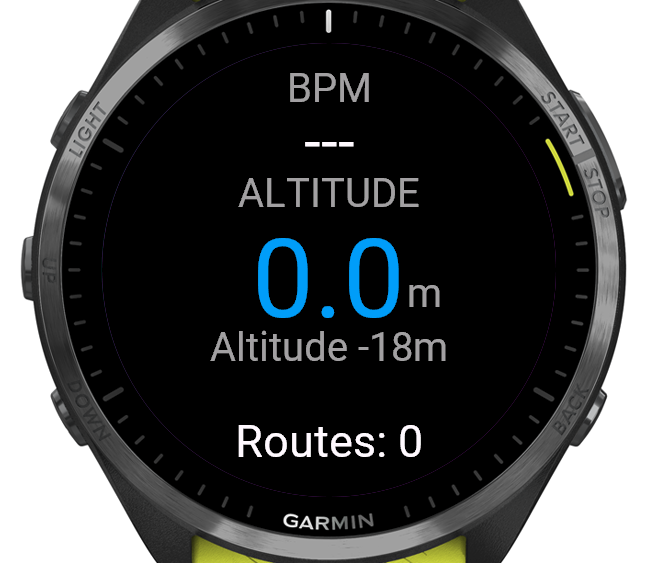
Main screen
The main screen shows your current heart rate, relative altitude gained since starting the session, and the total barometric altitude.
| Button | Action |
|---|
| LAP / BACK | Start or stop a route |
| START | Save or discard the session |
| DOWN | While climbing: cancel route. Otherwise: open session overview |
| UP | Open session overview |
| MENU (hold) | Open settings |
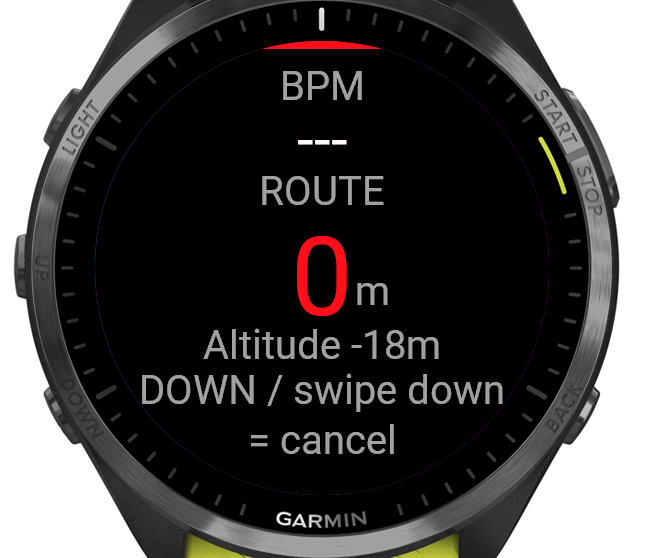
Active route indicator
When a route is active, a red strip appears at the top and the altitude display turns red showing the current route height.
Auto-detect
When enabled, a route starts automatically when the app detects more than 1.5 m of upward movement. A beep confirms the start.
Session overview
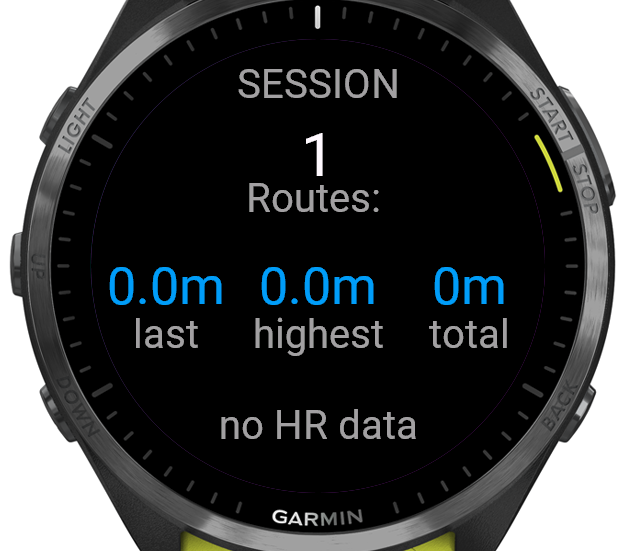
Shows statistics for the current session: number of routes, last route height, highest point reached, total height gained, and heart rate range.
| Button | Action |
|---|
| DOWN | Open graph |
| UP / BACK | Back to main screen |
Graph
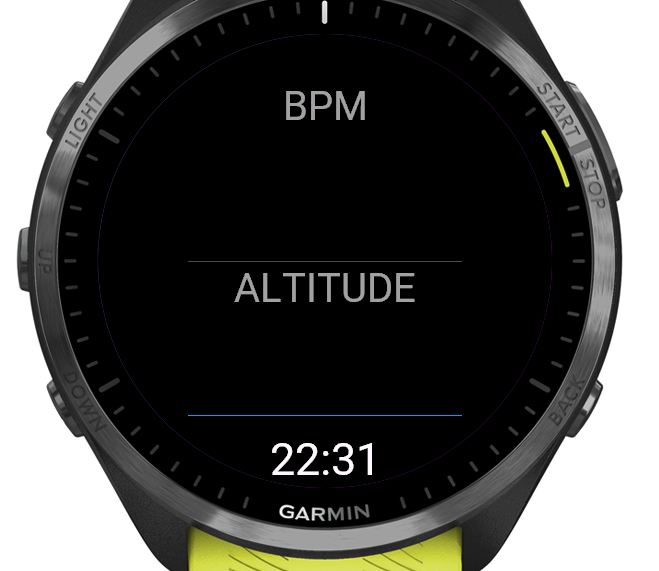
Shows a heart rate graph and an altitude graph over the course of the session.
Logging a route
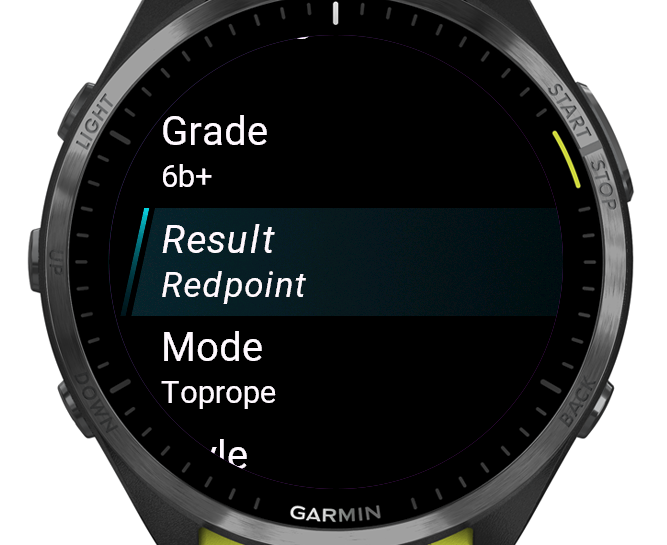
After finishing a route (stopping via LAP / BACK), a logging screen appears where you can record the details.
| Field | Options |
|---|
| Grade | French, UIAA, or USA grading system (set in settings) |
| Result | On Sight, Flash, Redpoint, Hang Dog, Sandbagged, DNF |
| Mode | Lead, Toprope, Warmup |
| Style | Slab, Vertical, Overhang, Roof |
| Height | 1–60 m (pre-filled from measured altitude) |
Press SAVE to confirm. Press BACK to get a confirmation screen where you can also discard the route.
Saving a session
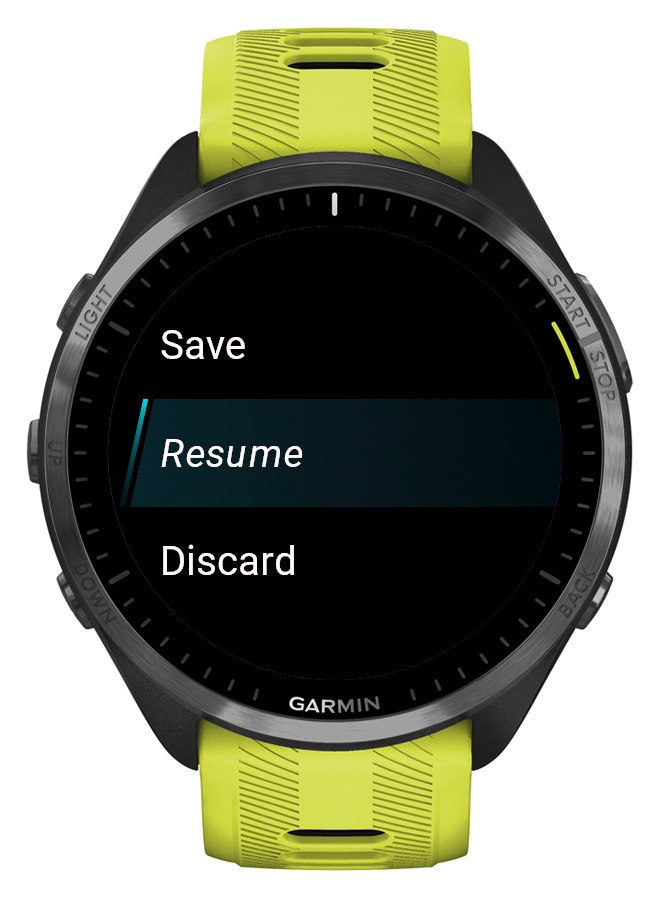
Press START on the main screen to open the session menu. Choose Save to save the session as a Garmin activity, or Discard to delete it.
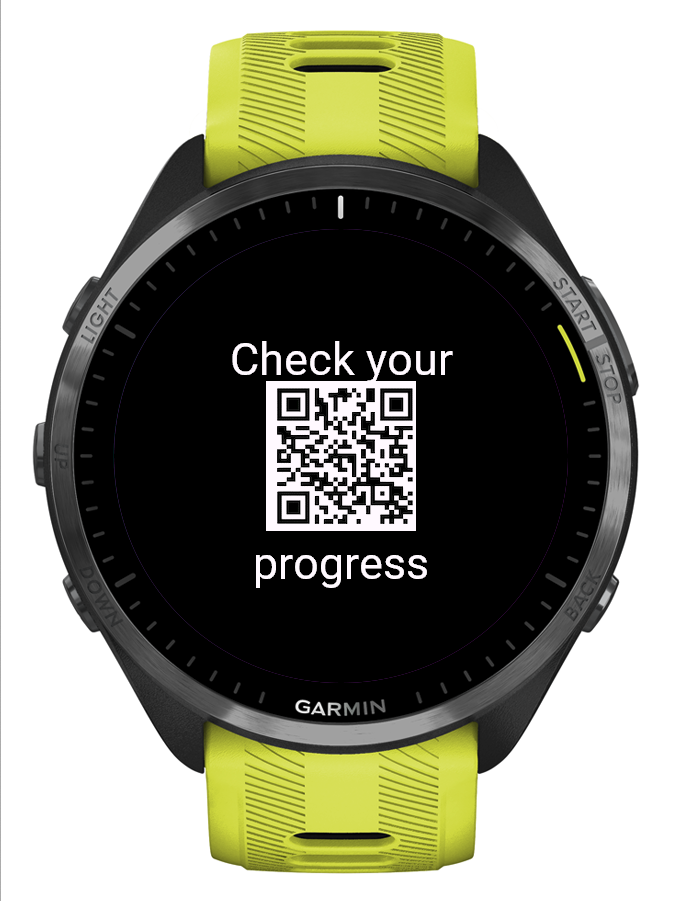
After saving, a QR code appears linking to SportClimb Analytics where you can view your session data after Garmin sync.
Settings
Open settings by holding MENU on the main screen.
| Setting | Description |
|---|
| Location | Gym, Board, Crag, or Boulder – stored in the FIT file |
| Grading system | French (default), UIAA, or USA |
| Default mode | Lead, Toprope, or Warmup – pre-selected when logging a route |
| Auto-detect | On/Off – automatically starts a route on upward movement |
| Touchscreen | On/Off – enable or disable the touchscreen during a session |